Create a gallery
Create a free account. Start with a blank floor plan or one of eight layouts, upload your artworks and preview the visitor experience.

WORDPRESS 3D GALLERY
Create your virtual exhibition in 3dGallery, then add it to a WordPress page with our plugin. Visitors can walk through your space, inspect artworks and read their stories without leaving your website.
Free: 1 gallery · 10 artworks · no credit card
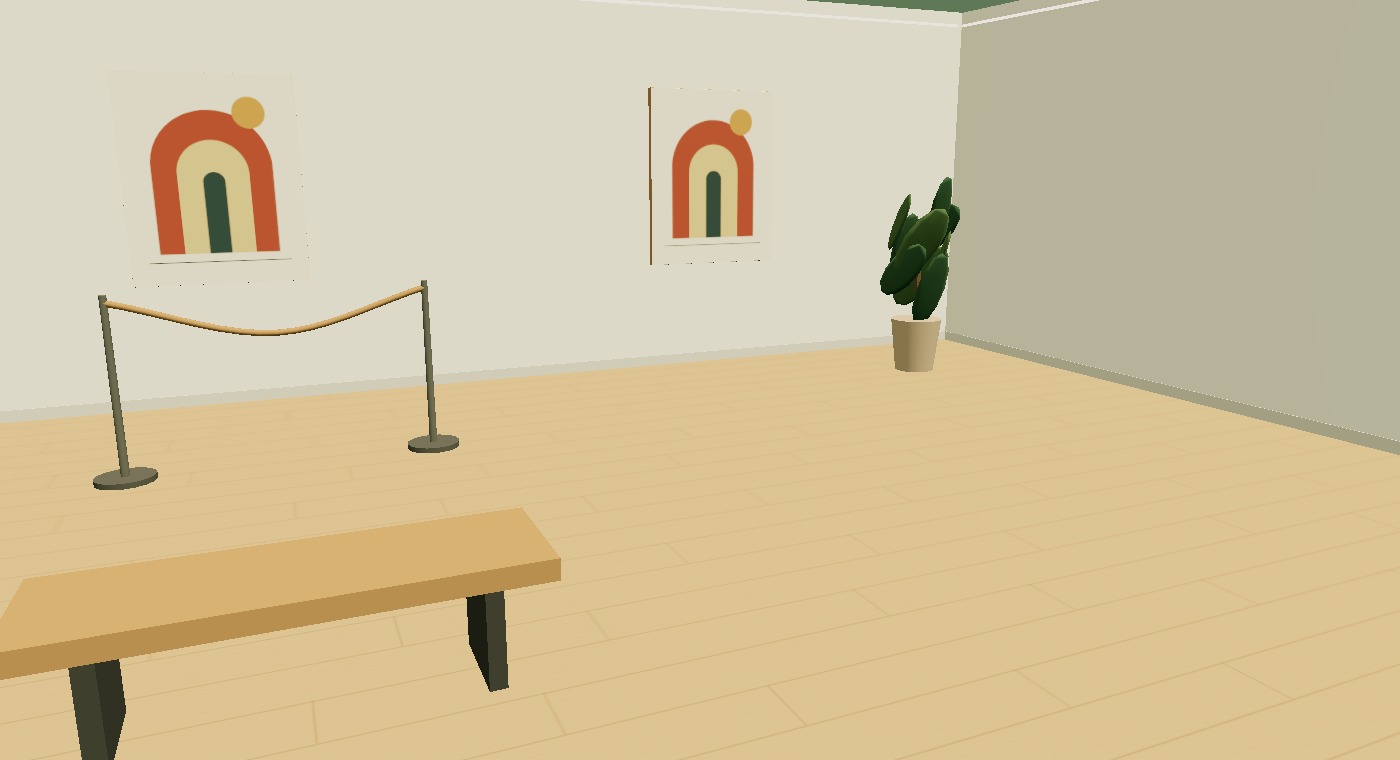
A virtual art gallery gives a collection a room, a sequence and a sense of scale. Upload paintings, photography or rugs, choose a floor plan and place each work where it belongs. Add titles, descriptions, wall texts and your own audio. The WordPress plugin displays the finished exhibition; the room and collection are edited in the hosted 3dGallery Studio.
Create a free account. Start with a blank floor plan or one of eight layouts, upload your artworks and preview the visitor experience.
Download the plugin ZIP, install it in WordPress and connect your 3dGallery account using the setup wizard. WooCommerce is not required for embedding.
Use Publish & embed in Studio. Copy the shortcode for that specific gallery into a Shortcode block. Each gallery has its own shortcode.
Use multiple exhibitions on different pages, within your account’s gallery limits.
Publish a revised exhibition to update the existing embed. Saving a draft alone does not change the live version.
Visitors use WASD and a mouse on desktop, or a touch joystick and look controls on mobile. No visitor account is needed.
WordPress embedding is included in Free: 1 gallery, 10 artworks and 100 MB storage, with a 3dGallery watermark and link. The plugin connects to a hosted 3dGallery account; it does not host the editor or gallery media inside WordPress.
It adds a walkable exhibition to a page through a shortcode. It does not replace your theme’s photo carousel or change existing product pages.
No. Paintings, prints and rugs use uploaded images and dimensions. Transparent object photos can face the visitor. You can also import your own GLB models. No AI generation is used.
Yes. The hosted gallery also provides an iframe embed for a WordPress Custom HTML block or another website. Your site or page builder must allow iframe embeds.